

Hey there! I'm someone deeply involved in the cashless kiosk business. We've been in the game for a while, and I've seen it all when it comes to the glitches and issues that can pop up with these nifty machines. In this blog, I'm gonna share some tips on how to troubleshoot common problems with a cashless kiosk.
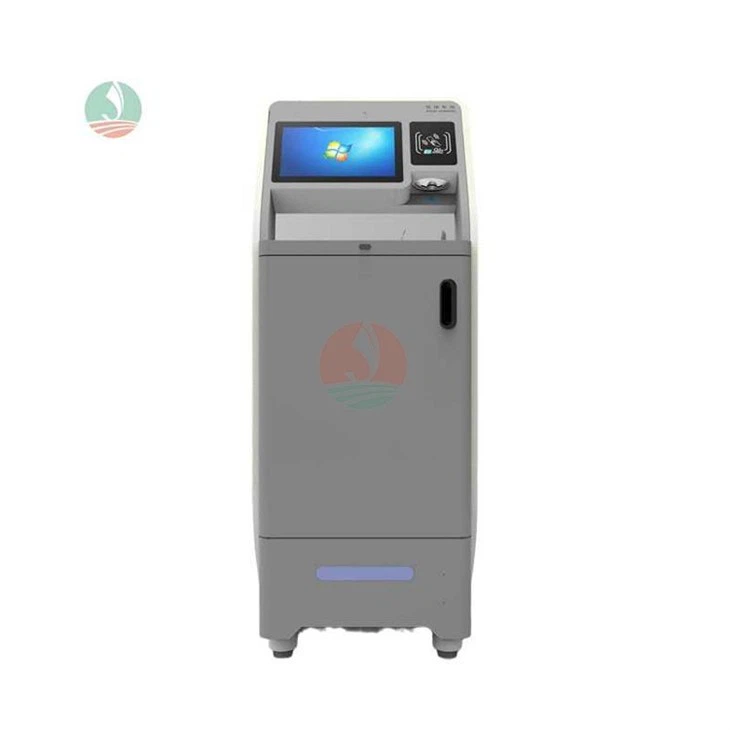
1. Connection Issues
One of the most common problems you'll encounter with a cashless kiosk is connection issues. Whether it's a Wi - Fi or Ethernet connection, a poor or lost connection can bring your kiosk to a grinding halt.
Wi - Fi Connection
If your kiosk is using Wi - Fi, the first thing you should do is check if the router is working properly. Sometimes, the router might have overheated or just needs a simple restart. You can unplug it for about 30 seconds and then plug it back in.
Also, make sure the kiosk is within the range of the Wi - Fi signal. If it's too far, the signal strength will be weak. You might want to consider moving the kiosk closer to the router or using a Wi - Fi extender.
Another thing to check is the Wi - Fi settings on the kiosk. Sometimes, the password might have been changed, or there could be an issue with the network name (SSID). Double - check these settings and try reconnecting.
Ethernet Connection
For an Ethernet - connected kiosk, check if the cable is properly plugged in. Sometimes, the cable can get loose over time. If the cable looks damaged, replace it with a new one.
Also, verify that the Ethernet port on the kiosk and the router or switch is functioning correctly. You can try plugging the cable into a different port to see if that resolves the issue.
2. Payment Processing Problems
Payment processing is the heart of a cashless kiosk. If it's not working right, it can really mess things up for your customers.
Card Reader Issues
If the card reader isn't working, first, check for any visible damage. Sometimes, dirt or debris can get into the card slot and prevent proper reading. You can use a clean, dry cloth to gently wipe the card slot.
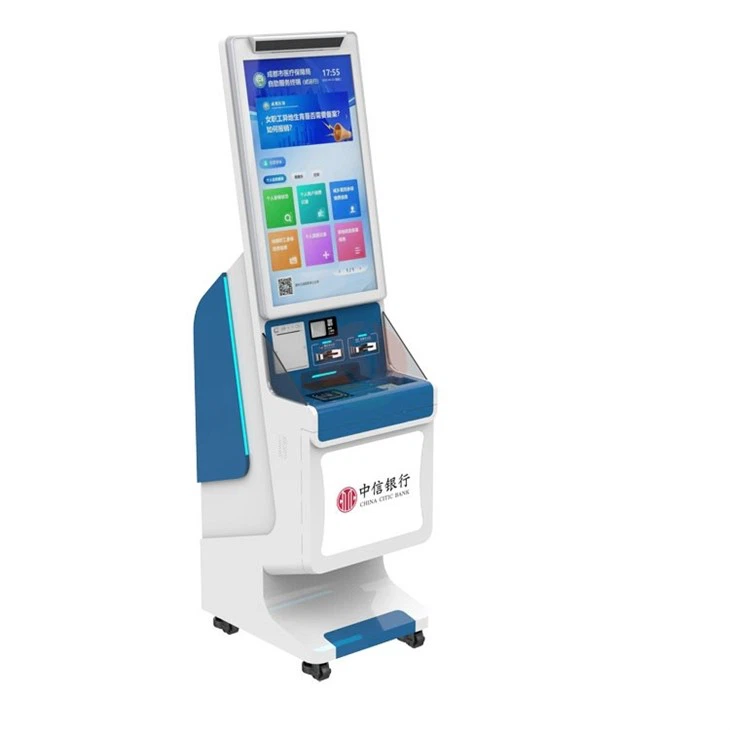
If the card reader still doesn't work, try restarting the kiosk. This simple step can often fix minor glitches. If the problem persists, it might be a hardware issue, and you may need to contact a technician.
Online Payment Gateway Problems
If the kiosk is having trouble connecting to the online payment gateway, check if there are any service outages on the gateway's end. You can usually find this information on their official website.
Also, make sure the payment gateway settings on the kiosk are correct. Incorrect API keys or other configuration settings can cause payment processing failures. Double - check these settings and make any necessary corrections.
3. Software Glitches
Software glitches can cause all sorts of problems with a cashless kiosk, from slow performance to freezing.
Outdated Software
One of the main causes of software glitches is using outdated software. Make sure the operating system and all the applications running on the kiosk are up - to - date. Most software updates come with bug fixes and performance improvements.
You can usually set the kiosk to automatically check for updates. If you prefer to do it manually, go to the software's settings and look for the update option.
Memory Issues
If the kiosk is running slow, it might be due to a lack of memory. Check how much free memory the kiosk has. You can delete any unnecessary files or applications to free up space.
If the memory issue persists, you might need to upgrade the kiosk's RAM. This can significantly improve its performance.
4. Display and Touchscreen Problems
The display and touchscreen are what the customers interact with, so any problems here can really impact the user experience.
Display Issues
If the display is flickering or has a low brightness, check the display settings on the kiosk. You can adjust the brightness and contrast to see if that fixes the problem.
If the display is completely black or shows a blank screen, check the power supply to the display. Make sure the cables are properly connected. If the problem still exists, it could be a hardware issue with the display itself.
Touchscreen Calibration
If the touchscreen isn't responding correctly, it might need calibration. Most kiosk operating systems have a built - in touchscreen calibration tool. You can access this tool through the settings menu and follow the on - screen instructions to calibrate the touchscreen.
If calibration doesn't work, there could be a hardware problem with the touchscreen. In this case, you'll need to contact a technician.
5. Printer Problems
If your cashless kiosk has a printer for receipts or other documents, printer problems can be a real headache.
Paper Jam
A paper jam is one of the most common printer problems. To fix it, first, turn off the printer and unplug it. Then, carefully open the printer cover and remove any jammed paper. Make sure you remove all the paper fragments to prevent another jam.
After removing the jammed paper, close the printer cover and plug it back in. Turn on the printer and try printing a test page.
Ink or Toner Issues
If the printed documents are faint or have streaks, it might be due to low ink or toner. Check the ink or toner level on the printer. If it's low, replace the cartridge.
If replacing the cartridge doesn't solve the problem, there could be an issue with the printer head. You might need to clean the printer head according to the manufacturer's instructions.
Conclusion
Well, there you have it! These are some of the most common problems you might encounter with a cashless kiosk and how to troubleshoot them. If you're in the market for a high - quality cashless kiosk, we've got you covered. Our Kiosk Billing Machine, Payment Kiosk, and Bill Pay Machine are designed to be reliable and user - friendly.
If you're interested in purchasing our cashless kiosks or have any questions about troubleshooting or maintenance, don't hesitate to reach out. We're here to help you make the most of your cashless kiosk investment.
References
- "Cashless Kiosk Installation and Maintenance Guide" - Industry Publication
- "Common Problems and Solutions for Payment Terminals" - Technical Journal
- Manufacturer's Manuals for Cashless Kiosk Components